ansible-navigator
Really short post this week! Had no motivation to study with a cold..
Learned some ansible-navigator stuff. It’s a pretty neat tool. I like seeing all of a host’s our group’s variables from there.
Ansible Navigator`
ansible-navigator setup
Register subscription manager
Show available subscriptions
Scroll down and copy the pool id:
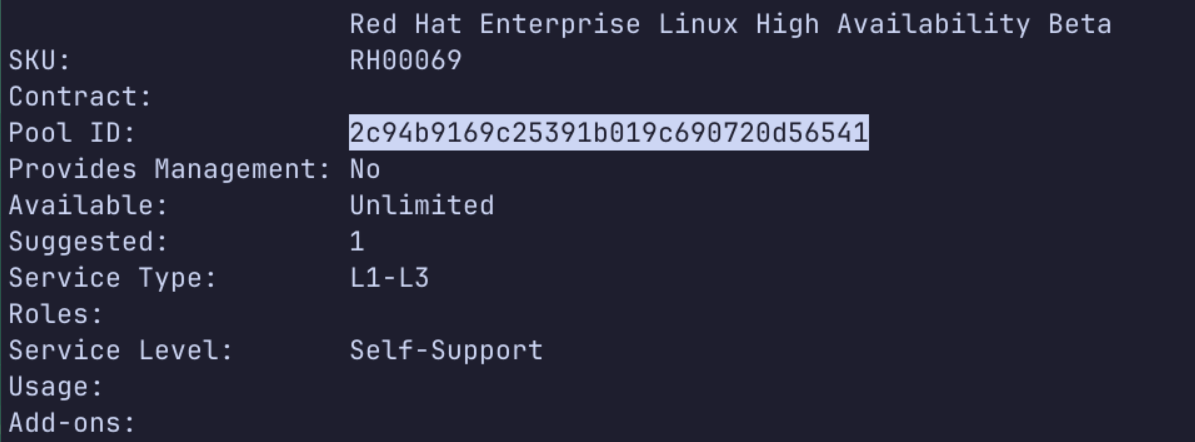
Attach to the subscription:
Show repos and grab the most recent one:
Install the most recent repo from above (not the source or debug):
Install necessary packages:
Log in to redhat’s podman registry to be able to pull EE containers:
Using ansible-navigator
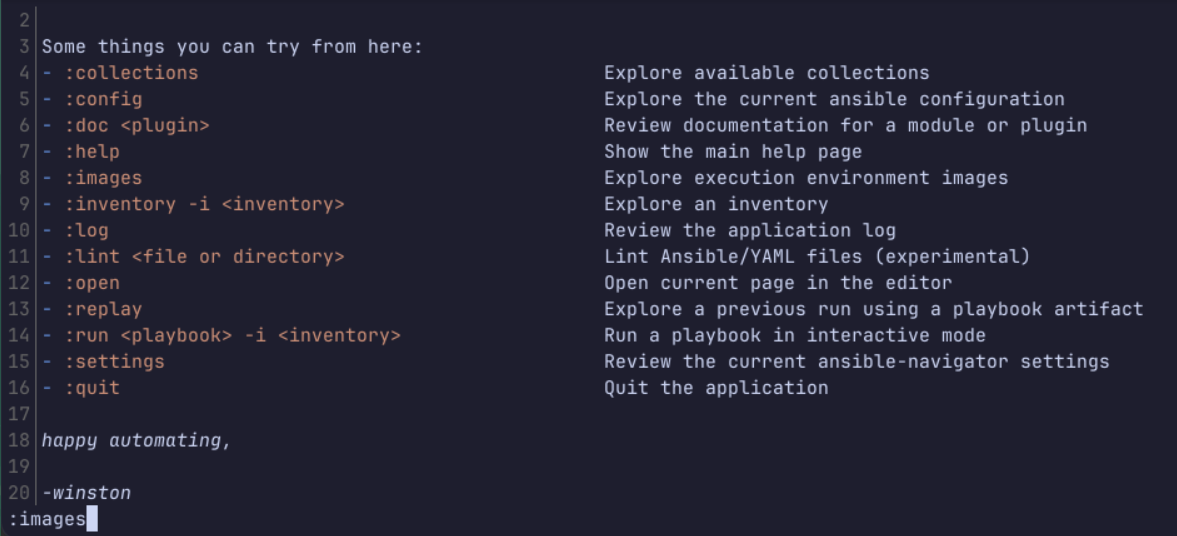
View subcommands
Run:
Grab additional ees:
ansible-navigator will detect the above automatically.
Use : to run the listed commands.
esc to go back.
Generate config file, use tmp first so ansible-navigato doesn’t try to read the file immediately:
Or you can make it available while in any directory for your user:
Uncomment:
Change policy to only pull ee image if it’s missing, this will make it much faster to open ansible-navigator:
You can also change the default ee from this file:
You can override this when calling from the command line:
Using ansible-navigator
There is no man page for ansible-navigator!
Run a playbook with output on terminal:
The application runs in the ee container, which is running as the root inside the container.
You can use all the same options for ansible-playbook when you use ansible-navigator run.
By default, ansible-navigator leaves playbook artifacts that log how the playbook run went.
Run without generating artifacts with --pae false:
Navigator will not prompt for password with -K option unless you pass the -m stdout option
Ansible-navigator inventory
Can view inventory and associated variables from the TUI.
View inventory as a graph:
ansible-navigator inventory -m stdout --graph
ansible-navigator config
Shows current settings as listed in ansible.cfg
Search for a string:
Clear the search:
Show config options in a pager:
ansible-navigator exec
Navigator will bind mount the directory “collections” in the current working directory and install any collections listed there into the execution environment.
Pull up interactive shell in the execution environment:
ansible-navigator doc
Used like ansible-doc.
That’s all for this week!